Description
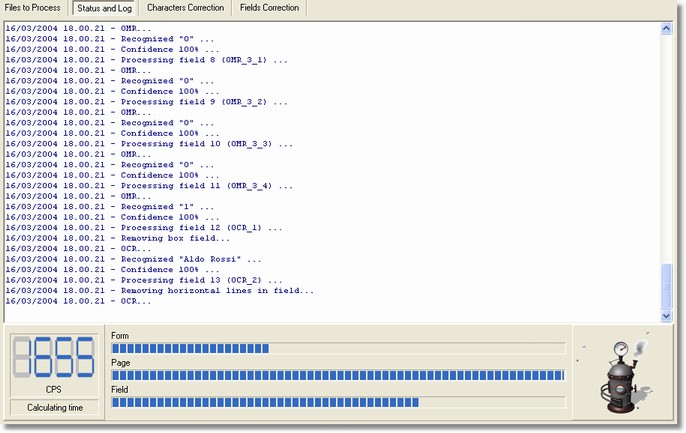
The Progress and Log section shows the log phases (more or less detailed) according to the features of the Settings dialog.
This section is available non only in the Desktop Reader but also in the in Workgroup Reader - Recognition Station, in Workgroup Reader - Correction Station, and in Workgroup Reader - Output Station.
How to get it
Start the application and select Progress and Log from the main Window.
Content
The log phases are displayed in the centre of the section, while down there are the progress indicators. Click by the mouse right button is viewed the Log menu (popup).
Notes
None.